The One-Person Studio: How AI Is Rebuilding Media Production From Script to Distribution
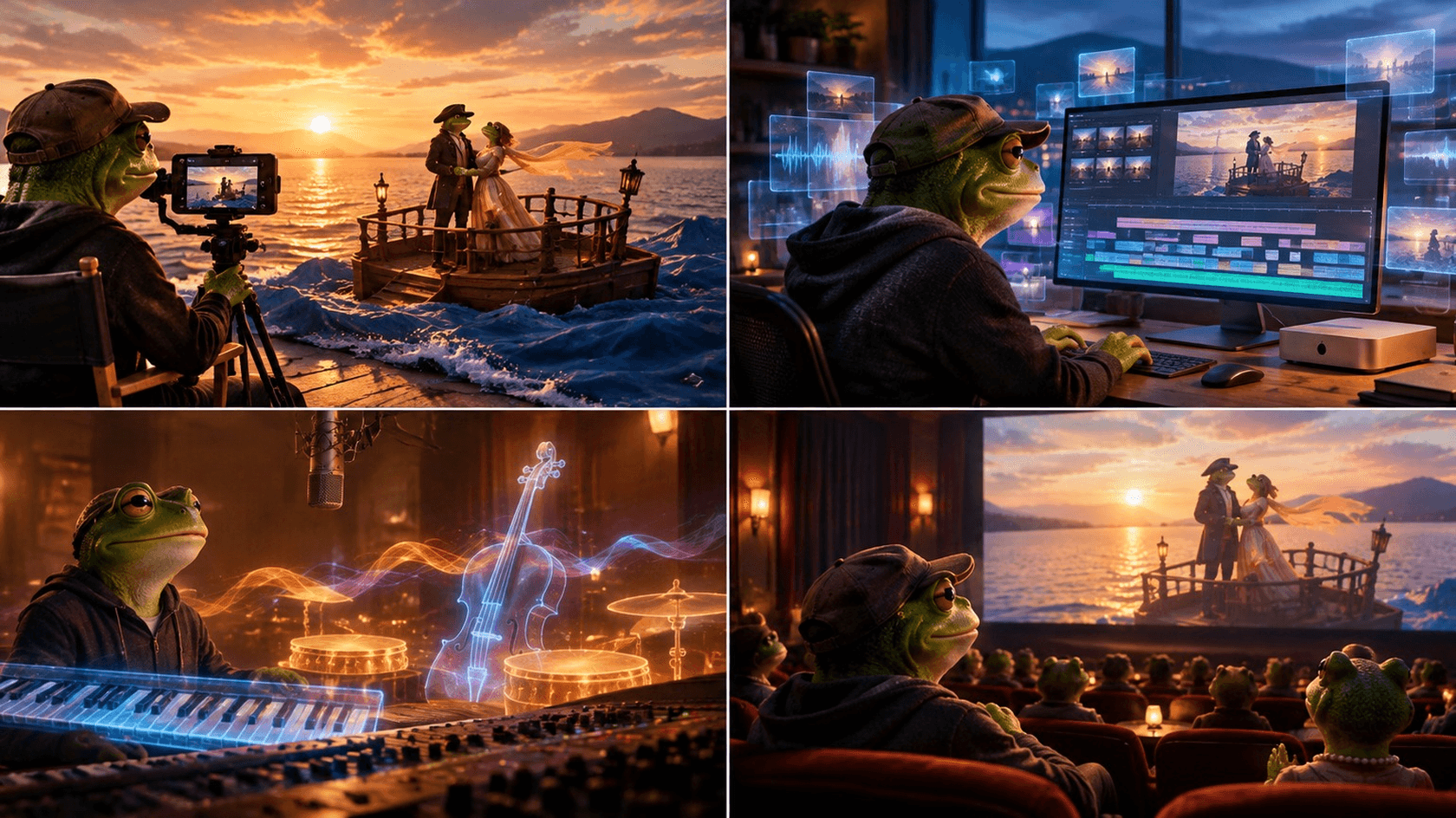
Contrary to many people’s concerns, AI filmmaking is not meant to eliminate the creative roles in the production process. Human creativity is still crucial for the process, but AI plays a role by compressing creative roles into one operational stack that one person can manage. This is already a pretty common practice, as 86% of over 16,000 surveyed creators already use generative AI tools, and 48% of creators operate solo.
This opens new opportunities for creators who once had to limit themselves to providing commentary and personality alone. Those same creators can now produce full-scale narratives and engage in commercial creation without having to employ an entire team to help out.
Things like writing, image generation, video, sound editing, and distribution become a part of the same AI video production workflow.
The biggest advantage is speed of thought, which is the speed at which ideas move from a basic concept to a script, usable footage, and eventually, the final product that’s ready for consumption.
Pre-Production
Source: Pixabay
In pre-production, you need to create plans and map out the process that will eventually grow into something bigger. The problem is that this is also where a lot of people start to make their first mistakes. For example:
Writing for the Camera
To make the best out of AI scripting tools, you should prompt them for short, camera-ready takes, rather than broad prose. Don’t ask for a polished scene or for multiple paragraphs of exposition when writing the script. This is too broad, and the tool is likely to lose focus and fill your script with generic language.
Focus on what the subject says, what they do, what the viewer needs to see. This ensures that the script remains practical, and it makes it easier to later use these smaller, individual shots in the AI content production pipeline diagram.
Refining Prompts in Passes
When creating prompts, start by developing structure first. Establish the scene and the action, write the dialogue that you want included, and explain what you want the shot to look like.
In the second pass, focus on rhythm. Tighten sentences and ensure that there are different pause lengths. Focus on adding movement to avoid the scene being too static, and keep shot duration in mind. Finally, in the third pass, add things like lighting and textures, weather, camera movement, and similar sensory detail that will give the scene some color.
This process (structure, rhythm, sensory detail) will give the model the exact instructions, rather than expecting it to provide a polished product based on a single prompt. This also makes it easier to make corrections and revisions by improving one aspect that needs it, rather than having to rebuild the entire scene from scratch.
Keeping Characters and Locations Consistent
The thing that matters most in production is consistency. This is also what most often becomes a problem in projects that contain multiple shots. To deal with it, start by creating a character reference card.
The card should specify the character’s appearance, what they wear, how old they are, their personality and physical details, as well as any other traits that need to stay with them for the duration of the scene.
This lets you reuse the same descriptive language in prompts, rather than write the character from memory each time. Doing so is a sure way to forget something, give a wrong description, and end up with inconsistencies that you might not notice, but your audience surely will.
Apply the same principle when writing about locations. Create a card that details the setting, where the camera is located, as well as other conditions like lighting, time of day, and other important environmental details.
Use the same reference images for image and video workflows whenever possible to lock the generation seed. Note that this seed-locking is not guaranteed to work identically every time, but it will still reduce variations considerably.
Through these practices, you can turn AI filmmaking tools into a relatively reliable and repeatable pre-production system.
Production & Audio: From Prompts to Usable Assets
Source: Pixabay
Once you prepare the script and visual references, AI in video production can move your work from notes and descriptions to actual assets. You can use text-to-video or image-to-video engines to produce shots from descriptions or animate previously generated images. You will still need to do some additional work to get usable clips, though.
Generating Usable Video
To create a practical prompt, you technically only need three elements - a subject, an action that is being performed, and lighting specifications. Simply define who or what is on screen, what is going on, and lighting conditions that will provide visual mood.
Things like camera movement and framing matter, but they can be added later. The most important elements are what you need to focus on first. They are the basics of the shot, after all.
It is also important to budget for failed generations. Even with a well-thought-out prompt, AI likely won’t get it right on the first time, or the second time. Don’t be surprised if you need to correct it and have it redo a take three to five times before it produces a clip that looks like something close to what you had in mind.
The downside is that this takes both time and credits, which can stand in the way of your production plans and disrupt the timeline. If you can provide reference images and keep the prompts consistent, this can, in most cases, reduce the number of wasted generations, but they will still happen.
Building the Soundtrack
Visual generation aside, you also need to think of the soundtrack. You can use synthetic speech to provide dialogue, but don’t forget to add ambient sound effects and other noises.
This will make the world inside the shot feel alive and convincing. Think footsteps, traffic noises, perhaps the wind or some other weather sounds, room tone, and the like. AI can generate most of these, so you likely won’t have to record each element manually.
Google's Flow (built on Veo) generated more than 275 million videos in roughly five months. Veo 3 itself reached 40 million videos within weeks of its May 2025 launch. Both represent concrete evidence of how fast and how widely these tools are already being used.
Another thing to consider is using speech-to-speech tools, which can add another layer by preserving the performance of a human speaker, while still giving you a chance to refine it a bit. This is useful for capturing real human speech - something that AI reading still struggles with. Most text-to-speech sounds emotionless and generic. By sticking to speech-to-speech tools, you can avoid having your characters sound robotic.
Scaling Across Languages
If you decide to try to pursue a larger market, you can consider using AI for translating your work to multiple languages. Automated voice translation can convert speech into other languages quite accurately. The quality of performance may not be perfect, but it can be fairly close to the original. Plus, it saves you from having to record separate versions from scratch.
This is great news for solo creators, as it doesn’t limit them to a single language. Still, it is best to check the pronunciation quality and translation before you publish.
Post-Production & Distribution
Source: Pixabay
While using AI to produce clips is fairly simple, that is not where the process ends. The so-called raw AI clips still require traditional editing in post-production.
The problem is that raw AI footage can contain continuity problems, which may be small if you did things right, but they are still present. Motion can be inconsistent, lighting can change suddenly, or there might be some other visual differences that will be quite noticeable when you try to watch the entire product.
There are tricks that you can apply here, of course, such as cutting on action. For example, if a character begins opening a door in one shot, you can cut to a different angle while the movement is still happening. That way, two separate clips can appear like a single action. From the viewer’s perspective, it is one action observed from different angles, and they will focus on what is going on, rather than the transition.
Color grading matters just as much, since things like contrast and saturation can vary from clip to clip. The same is true for the overall visual temperature. This is one of the issues mentioned earlier, where AI produces different content based on the same prompt. You can deal with this by applying the same grade across all sequences involved in the same scene, which will make the visuals more consistent.
Audio editing is another way to hide the fact that it was done in different takes. Consider J-cuts, where the audio from the next shot begins before the visual cut starts. L-cuts, where the previous shot’s audio continues when the next image appears on the screen, is the opposite approach.
You can combine both to make transitions feel more natural and less mechanical.
Preparing content for different platforms
Once the video is done, there is still some work left to do, as you need to prepare it for distribution on different platforms. That means creating different formats of the same video to match different screens.
A landscape master might be rendered at 16:9 for YouTube or your website, but it needs to be reframed vertically at 9:16 for short-form feeds. This is not as simple as cropping the original.
You might have to move text to a different part of the screen, while shots designed for a wide frame will likely need different compositions for vertical display. Doing this automatically with the help of AI speeds the process significantly.
AI can also come in handy for automated subtitle generation, thus removing a very slow and boring task, especially when you need to adapt the same footage for different platforms. Let AI tools handle the work, and you just check the work and make changes when and if necessary.
One last thing to consider is scheduling. Having the biggest impact means releasing your content at optimal times, meaning when the audience is active. However, this can mean different times for different platforms, and there is also the matter of publishing frequency and learning how to make the platform’s algorithm work to your advantage.
Scheduling AI tools can do this as well, which is just another advantage of a solo production workflow.
The One-Person Studio Still Needs a Human
At this point, you can see that AI is there to speed up the creative process. It can provide you with the ability to create content that once needed an entire team. A one-person studio doesn’t look anything like a traditional production team - all it needs is you, supported by a stack of specialized tools that you instruct.
The creative part is still entirely human. As for the scripts, visuals, voices, other sounds, editing, and other parts of the process, all of it can move through one workflow, and usually it only takes a fraction of a time and cost that traditional production methods require. You still need to plan your budget and account for redos and multiple takes to fix mistakes, but even so, the cost is still significantly lower, and all decisions are yours alone to make.
This is the real advantage of AI-assisted production. It doesn’t replace the creator; it just shortens the trip from a concept to something that people can actually watch.