Top 5 AI for creating clips and movies in 2026 (the end of low-budget Hollywood)
AI models like Sora 2 and Runway Gen-4.5 achieve cinematic realism. This analysis of top generators detail features, costs, and professional use cases.
Top 5 AI for creating clips and movies in 2026 (the end of low-budget Hollywood)
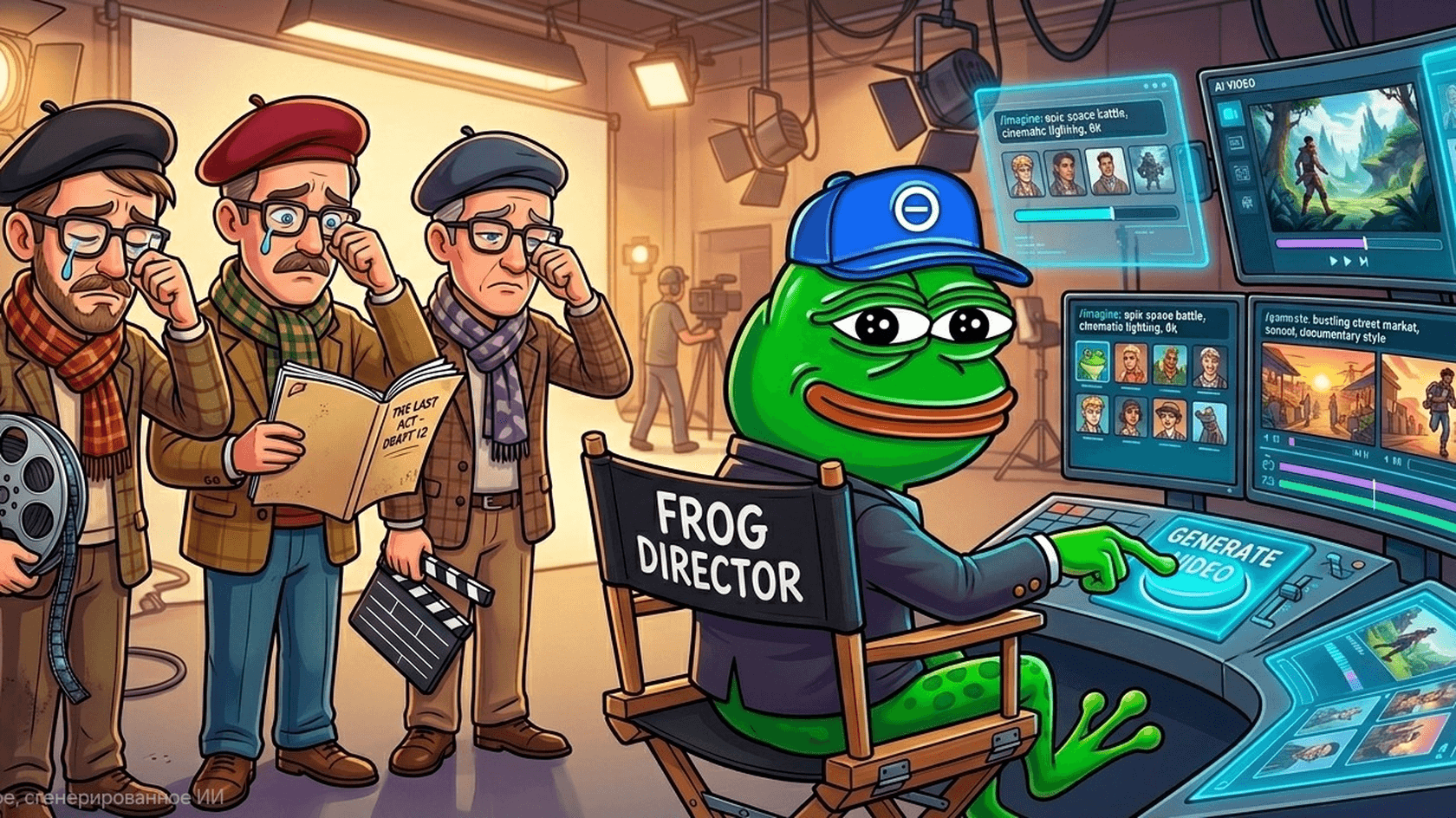
Yeah, low-budget Hollywood it was. Suddenly, the whole web was filled with people’s limbs spinning around like marionettes, cats fighting lions, Spiderman fighting cows. All of this, but with lifelike realism. It was a mayhem, really.
Then, OpenAI’s Sora was called off from April 26, and it all came to a halt. But agencies, YouTube channels, and social media had already tasted success, making loads via faceless identities churning AI-generated videos daily. Everyone could suddenly become a creator, and even if they weren’t meant to, these AI video generators came as a rescue ticket to massive fame, wealth, and idk what else. Possibilities were limitless.
The creator dream’s compounding about 25% YoY, and this top AI video generator comparison is here to help dreamers like you find the best aid to reach that multi $$ dream.
Is Low-Budget Hollywood really dead?
It’s not cause cameras got cheaper. Even if low-budget, any kind of Hollywood work always called for a studio day, editors, a crew, artists, and graphic experts. But such can now be handled in a jiffy using AI video generators like InVideo or HeyGen for roughly $17 to $29 a month.
But yeah, no AI can’t 100% replace an entire set.
It may be 70% to 75% there, but when you consider a $50,000 budget tier (promotional pitches, content dubbing, explainers, and post-production kinda vids/short films), afraid to say it, but these tools are evolving to handle a lot of that.
Not considering the access/API platform here, but the standalone video generators that end users can use on an individual platform basis. These are my top 5:
1. Google Veo 3.1
As per Reddit, multiple comparison blogs, and personal testing, Veo 3.1 is the best model right now in terms of overall capability. Firstly, its prompt fidelity (how accurately the model follows the prompt) is great, allowing the user to have much control over the end scene generated. Subjects and scenes stay consistent even when the frame transitions. Apart from that, you can generate 8 sec 4K outputs with native audio output that lip syncs very well.
The only drawbacks are that pricing is slightly on the higher side ($0.05/secs for Lite, $0.10–$0.20/secs for Fast, and $0.20–$0.60/secs for Standard/4K models) and subtle inconsistencies if you are creating shorter clips.
2. Kling AI 3.0/Kling 3 Pro
Kling AI is a balanced AI video generator. You can generate longer clips than Veo, along with multi-storytelling features. The platform provides tools to aid character continuity, and the motion quality is very good considering its entry price ($0.56 per 5 secs (standard), higher for Pro with audio).
If you want an output that has a bit more variation, this can be your go-to model. You get start and end frame style controls as well, but I noticed people complaining about high prices capping experimentation scopes on Reddit.
3. Runway Gen-4.5
Runway is not a specialist, but its feature set is broader and built very cohesively around its base model. It has two added native editing systems, Aleph and Act-Two.
With Aleph, you can add, remove, replace, and style elements within an existing video, which is a big plus if you wanna iterate over an already created output. Act-Two allows more performance, such as the ability to transfer movement to your character from reference, adding realistic motion/speech, and expression. There’s a free plan, a $12 Standard plan, a $28 Pro plan, and a $76 for the Unlimited plan.
4. HeyGen
Sucker for presenter style head-shot kinda vids, mostly for marketing content, explainers, dubbing, or sales? Then, HeyGen is the best AI video generator that you can choose.
You get features like voice cloning, multilingual brand-consistent outputs, 700+ stock avatars to choose from (along with custom avatar generation options), and translations with 175+ dialects supported. Avatar IV video gen adds to it, providing specific video translation minutes. So, overall, it's an avatar-centric dubbing workflow sufficient platform.
The free plan allows basic testing, but videos contain a watermark. The Creative $29/month plan adds more quality, gives more resolution, and access to more avatars. The Pro plan of $99/month couples higher credits and faster processing.
5. Synthesia
Synthesia is the last AI video generator platform in this list, and it's less Hollywood-movie-style output-centric and more business-focused. Via gesture from script context, it allows video generation consisting of avatars.
You can also export in SCORM 1.2 and 2004 formats, perfect to plug into training or LMS systems. Live collaboration and structured workspace features within the platform also suit teamwork. There’s a free plan, a ~$16/month Starter plan (billed yearly), a ~$50/month Creator plan (billed yearly), and then a quote for enterprises as per requirements. Overall, I'd say it's for startups, agencies helping businesses, and businesses.
The main features you should look for in AI video generators
Key features to look for in AI video generators
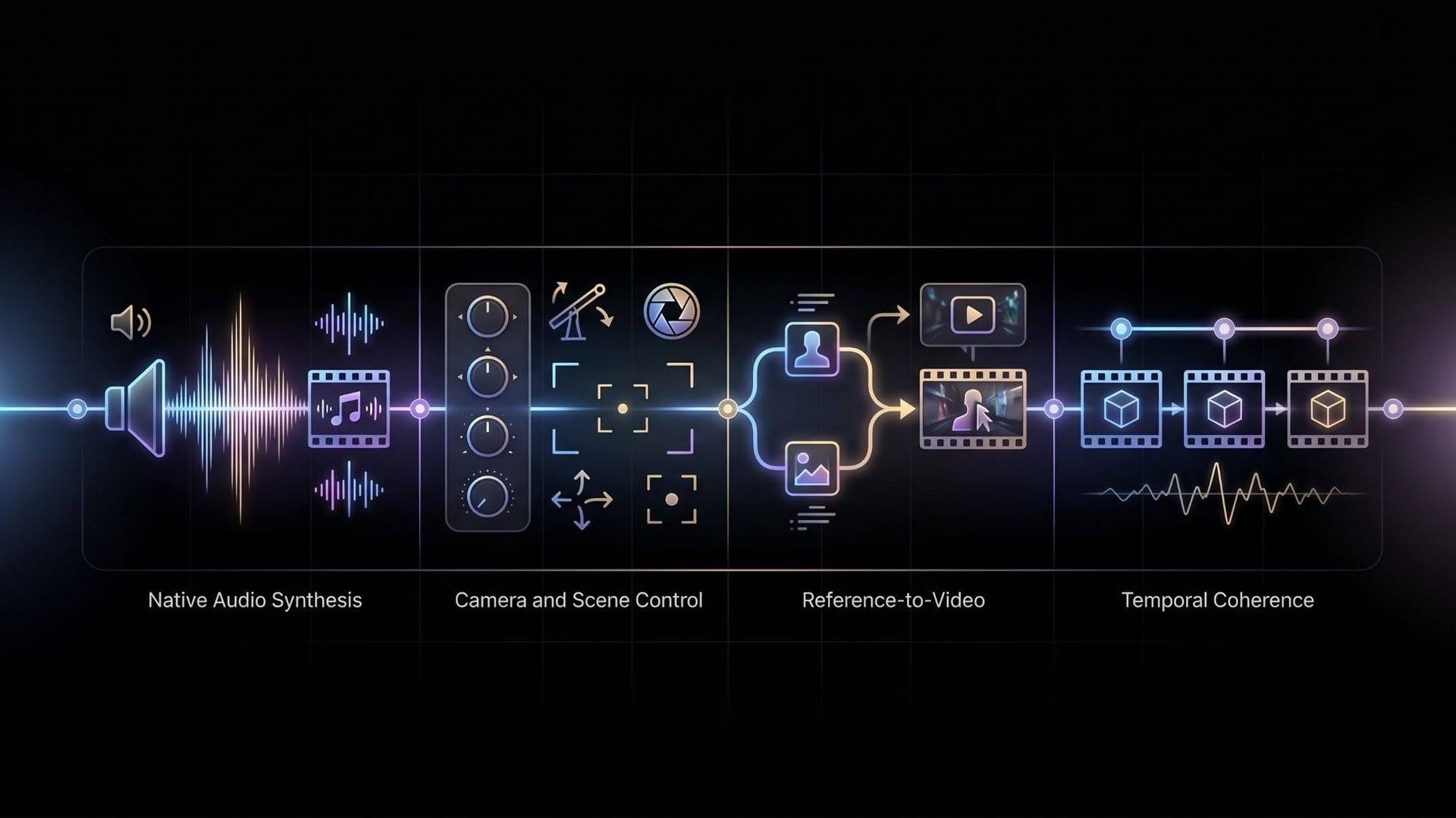
Apart from the above platforms I have listed, newer platforms are emerging day by day. Research is excelling, or I’d better say leapfrogging at a very fast pace, but not all features are suited or even needed for AI video generation, except for the four below.
Native audio synthesis
The ability of a video model to generate sound parallelly to the visuals is called native audio synthesis. This consists of music, dialogue, footsteps, ambient sounds, or effects like traffic, water splashes, rain, etc. It reduces the extra task of going to another tool to create and mix the audio.
If this is sorted, then for a video, scenic impact sounds, background noises, and speech feel natural from the get-go. Veo and newer Kling models are already good with this, but research on how to better such than the current is constantly happening.
Camera and scene control
Do you need a close-up, a crane move, a tracking shot, or a special kind of transition? What you need and how close the result you get matters, because this differs a high-quality video from something which is random (ahem ahem, Sora).
As per my personal experience, Google's Veo is the most accurate in this context. They also have their official prompt guide for anyone who is looking to learn the ropes. Apart from that, Vertex AI has camera control features with first and last frame inputs for more coherent generation. Runway's Gen 4.5 also provides sequenced instructions, controllable video camera angles, and choreography features.
Reference-to-video
Yeah, creativity is limitless, but that doesn’t mean one can keep churning out fresh ideas every time when required. This is where the reference-to-video feature becomes the most useful. Basically, it’s the ability of a model to allow your character to mimic some reference image or video from which you’re looking to take inspiration.
Great for transitioning product, outfit, and visual tone across multiple shots and characters. Also gives much more control and scope of storytelling to the creator, especially when it’s branded content or some repeatable video generation task.
Temporal coherence
Sounds tough, but to simplify, it's the ability of a model to stabilise motion from frame to frame whenever a person, object, or background is to stay consistent.
Poor coherence is the reason why, in many of these AI videos, we see sudden flickers, changes in shape, faces wrapping into each other, or objects deforming like some voodoo anomaly. Good temporal coherence is a critical feature to look for in an AI video generator, which assures that the final output will be close to reality.
Ready to make (generate) your Hollywood movie?
Hope you are, but consider these few touchpoints. Firstly, for an average Joe, current prices may not make sense, especially cause most of the premium models can reach $0.60 per second if your expectation is a high-resolution audio embedded output. Such even multiplies with repeated iterations.
Also, the era of blindly churning out tasteless AI videos is dead. If you wanna do that now, platforms like YouTube specifically require you to disclose how you were generating the videos, especially when there's a realistic, some realistic place, person, or event exists in the video.
Also, if you're one of the pros with a beefy PC who can run a video model locally, removing all the content security filters, yes, you can generate “extreme” outputs. But those can then get flagged by safety filters and licensing terms in respective publishing platforms if you're thinking of using them for commercial gains.
All in all, your risk tolerance, budget, and end goal would dictate which should be the best AI video generator for you, not hype.