Through most of its history, the traditional crypto experience was difficult for many to learn and get accustomed to. The reason for this was self-custody, which acted as one of the largest barriers when it came to crypto adoption. That is why understanding the Web3 passkey wallet definition is becoming important for crypto participants.It is essentially a wallet that replaces the need for a written recovery phrase with modern authentication methods, such as passkeys. Simply put - it addresses one of the oldest problems in the crypto sector, which is securing private keys.
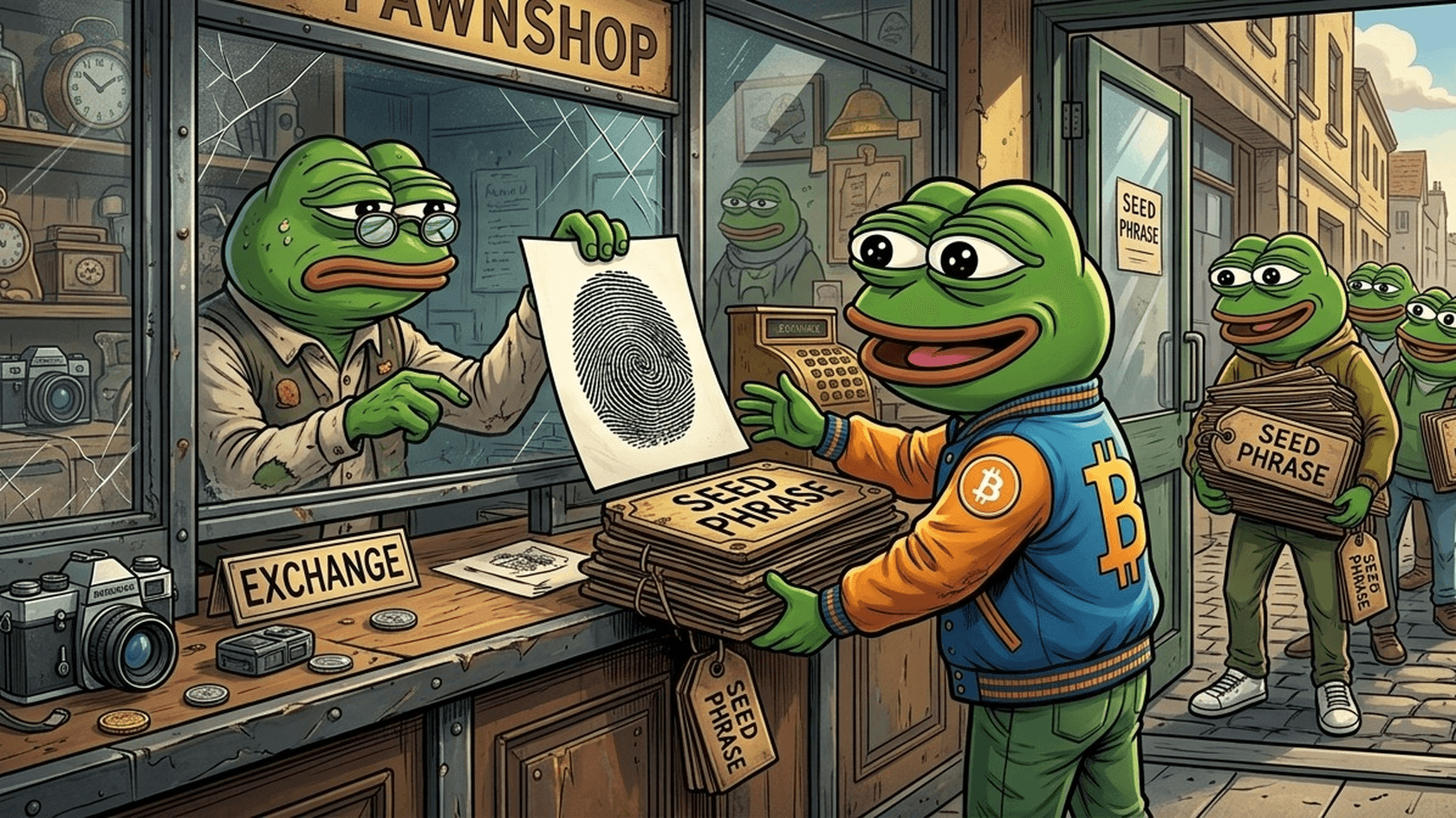
The problem with traditional crypto wallets is that they require users to manage 12- to 24-word mnemonics (recovery phrases) that can be intimidating and complicated for non-technical users. To simplify things for themselves, users would engage in dangerous habits, like taking screenshots that then get uploaded to the cloud, or storing the keys in unencrypted text files, or even just writing them down on a piece of paper and leaving it in an unlocked drawer. They are used to the Web2 experience. A forgotten password can be recovered or changed with an email link or some other verification method. Web3 mechanics, on the other hand, are not nearly as forgiving.
Passkeys in Web3
The first thing to understand about passkeys in Web3 is that they are built on two authentication standards - WebAuthn and FIDO2. The way these standards differ from traditional technologies is that they don’t rely on passwords or recovery phrases. Instead, they use public key cryptography and hardware that is built into most modern devices, which makes it fairly secure.
So, for those who own an Apple device, their passkeys are protected by the Secure Enclave. Meanwhile, Android devices use Trusted Platform Module (TPM) - a specialized microchip whose role is to secure the device on which it operates. Since these security measures do not ever leave the device, they can’t be stolen. At least, not unless the attacker steals the entire device. As such, they are much safer than passwords stored on servers or written down on a piece of paper.
Biometrics vs. Private Keys
Some users are skeptical of using biometrics for security purposes because they believe that a passkey wallet stores their facial scan or fingerprint on the blockchain. This is a common misconception. In reality, the biometric crypto wallet does nothing of the sort. All facial scans and fingerprints remain on the local device. In fact, they are never shared with websites, apps, or blockchain networks.
Instead, what they do is unlock the cryptographic credentials stored in the device’s secure chip. So, the whole process happens locally, within your device. Then, the credentials can be used to sign transactions or for whatever other purpose they are needed. The private key doesn’t get exposed, and the biometrics never leave your phone.
Cryptographic Curves: Secp256r1 vs Secp256k1
While safer, passkeys still face one technical challenge. The problem is that most blockchains compatible with Ethereum use the secp256k1 elliptic curve for signing transactions. However, passkeys generated using WebAuthn typically use another, secp256r1 (P-256), which is supported by modern security chips.
Fortunately, recent developments have addressed the problem, so compatibility is no longer as big of an issue as it used to be. Namely, an Ethereum standard known as Account Abstraction (ERC-4337) lets users use programmable smart contract wallets instead of traditional seed-phrase accounts. Because of it, smart contract wallets can verify signatures through more flexible authentication methods.
Meanwhile, an Ethereum proposal known as EIP-7212 introduced a precompile for P-256 signature verification. This reduced the computational cost on compatible Layer-2 networks. Thanks to these two improvements, passkey authentication was made more practical and possible across Web3 apps without risking security or relying on the old method of writing down complex recovery phrases.
Passkey Wallet Setup and Transactions
Modern seedless wallets were designed with the intention to remove a large portion of difficulties and complications that are traditionally associated with self-custody. Platforms like Bitget Wallet and Coinbase Smart Wallet are prime examples of this. Another noteworthy example is Uniswap, which offers an in-app wallet that lets users create a self-custodial wallet with a passkey in just a few seconds. Solutions like these allow users to create a wallet in just a few minutes, and they don’t have to write down or save recovery phrases. In practice, the setup takes only a few short steps. After selecting the passkey option, I was prompted to approve the creation with Face ID, and with that, the wallet was ready. It never showed me a seed phrase or asked that I save it or write it down. The process felt like creating a normal account on a smartphone, not setting up a crypto wallet.
Creating a Wallet Without a Seed Phrase
Setting up a wallet without a seed phrase is fairly straightforward. The first step is to choose a compatible wallet and install it on your device. After that, you can choose to create a passkey wallet and approve the request by using Face ID, Touch ID, or your Android device’s biometric authentication.
Your device will then create and save the credentials in its hardware security chip. You don’t get a phrase to write down or save or other complications. This is pretty much the whole process, which makes it much easier for first-time users to begin their Web3 journey.
Simpler Transactions With Smart Accounts
Getting into Web3 is not the only thing that gets simplified with passkey wallets. Sending transactions would also be much easier and user-friendly. For years, crypto experts argued that sending and receiving money needs to be as simple as sending an email in order for mass adoption to happen. Thanks to ERC-4337 smart accounts, this is now an option.
Essentially, instead of manually managing every aspect of a transaction, users can simply approve the action with their biometric authentication. Smart account will handle all the underlying processes, making it simple to move money around.
Another important improvement comes from paymasters - smart contracts that pay transaction fees on behalf of users. This means that users don’t need to keep a separate balance of the network’s native gas token in order to use its dApps. As a result, the experience is smoother, and it feels more like the familiar Web2 payment systems.
Are passkey wallets more secure than hardware wallets?
Not necessarily. Hardware wallets are still the safest way to protect cryptocurrencies. They are typically used for keeping large amounts of crypto safe by keeping them offline.
Seed Phrases vs Passkeys
The debate around passkey vs seed phrase wallets is essentially about balancing security with usability. As many already know, traditional wallets grant their users complete control and freedom over a recovery phrase. Passkey wallets, in comparison, aim to provide a simplified self-custody experience. It is not inherently riskier - it just feels more familiar, and there is a reduced likelihood of an error.
What Happens If You Lose Your Device?
Fortunately, losing your phone doesn’t automatically mean that you will lose access to your wallet. Most passkey wallets allow user credentials to be restored on a new trusted device. This is possible thanks to encrypted cloud synchronization. All that is necessary is for the user to be able to securely access their Google or Apple account. However, this also implies that a portion of the security model now also includes protecting that cloud account. You need to set up a strong password and 2FA to avoid someone else accessing it.
Some wallets also add social recovery or multi-party computation (MPC). This has certain benefits, such as reducing reliance on a single device or cloud provider for access to the wallet. Social recovery allows trusted contacts to help with restoring access. As for MPC, it works in a different way, as it splits the cryptographic secrets and distributes them to multiple users. Then, even if one device gets lost or accessed by someone who isn’t supposed to access it, the wallet will still be safe.
What does passkey wallet recovery require?
Recovery mostly depends on how the wallet implements passkeys and account recovery. In a cloud-synchronized setup, you simply need access to the related Google or Apple account. You will also have to complete the wallet’s recovery process on a new device. Other types of wallets may use social recovery, MPC, or some other, potentially unique mechanism if they have it developed for such purposes.
Who Will Actually Switch to Passkeys?
While passkey wallets saw some popularity thanks to the changes they have introduced, they are unlikely to replace all of the traditional crypto wallets. That is because power users, long-term investors, and institutional asset managers are likely to keep relying on offline hardware wallets. For large holdings, there is still no better way to secure the funds than to keep them away from the internet and out of hackers’ reach. The fact that they cannot be accessed means that they are as secure as any wallet possibly can be.
Of course, this is not the case when it comes to everyday users. For them, convenience is often more important than security. They are less likely to be targeted by serious threats, which is why the trend is moving in the opposite direction.
Most people interact with cryptocurrencies through dApps, and the transactions they make are small and inconsequential. More importantly, they expect a simple and convenient experience, similar to online banking or mobile payments. Passkey-based smart accounts can deliver that.
Assuming that the trend continues, more wallets, dApps, and Layer-2 networks are likely to keep adopting passkey-compatible infrastructure. So, soon enough, users won’t have to worry about cryptographic keys at all. Instead, they will be able to sign into a Web3 app with the same simplicity with which they unlock their device.
Practical Checklist Prior to Passkey Wallet Migration
Before you move your money to a passkey wallet, first make sure that it is secure enough to trust it with your funds. Start by ensuring that the Apple or Google account that will store your passkey is, itself, secure. It needs to have a strong password, as well as two-factor authentication. As mentioned earlier, your passkey recovery may end up depending on your trusted cloud account, so its security needs to be your priority.
After that, you can create the wallet and try it out. Make a small transaction to test the system before you start moving larger amounts. To do this, send a small amount of crypto to the new wallet, then use another trusted device to try restoring access to it. That way, you will see if you can do it in case your device is lost or stolen.
Lastly, check if the wallet itself offers additional protective features. Some wallets have social recovery or MPC, or even trusted backup contacts.
In the end, remember that even though passkey wallets aim to simplify things and remove the need to record and store your seed phrase, you should still take security seriously.